- Bot Hurt
- Posts
- Your AI workflow isn’t broken
Your AI workflow isn’t broken
It’s just busy avoiding the finish line.

Bot Hurt
January 22, 2026
Don’t get bot hurt. Get bot even.
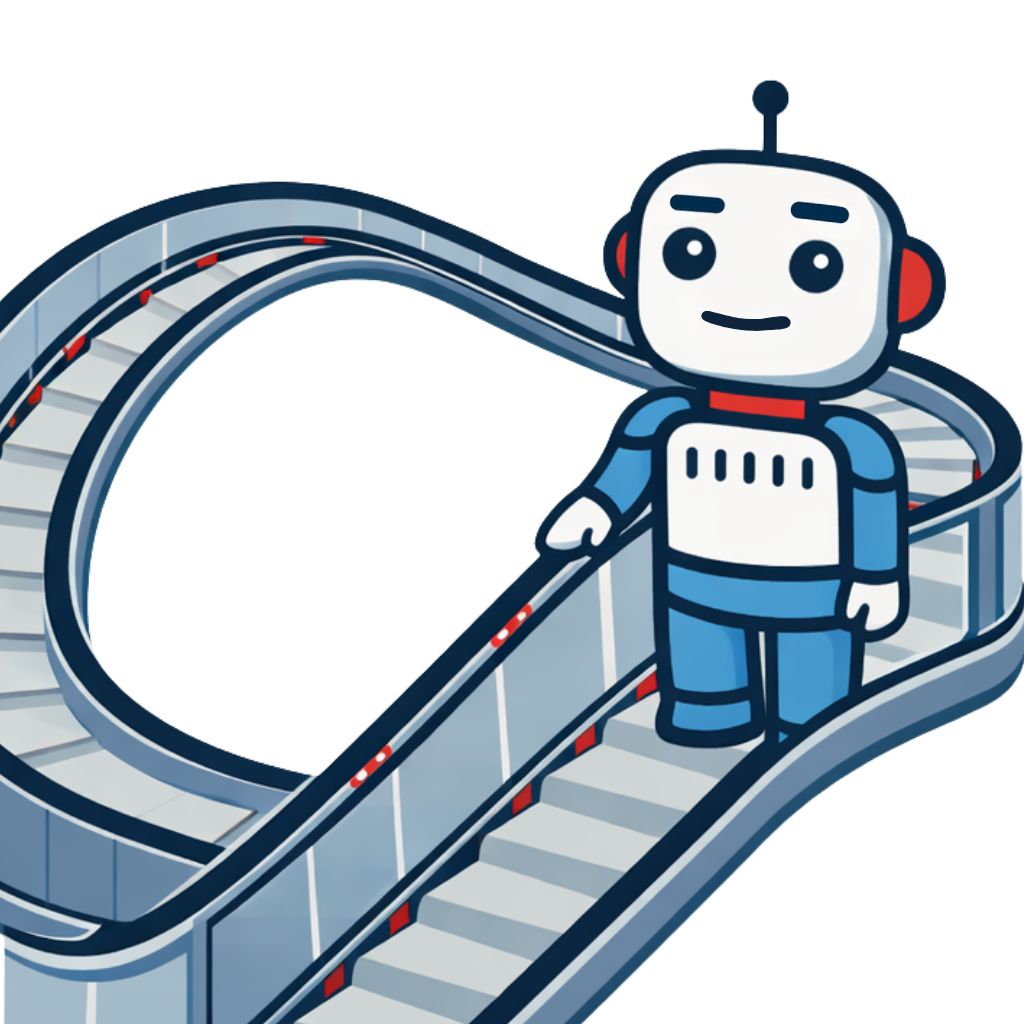
Somewhere right now, a very thoughtful AI workflow is doing absolutely nothing.
It has steps. It has labels. It has a name that sounds important. Despite all that structure, the work is still sitting there, untouched, waiting for permission to cross the finish line.
This is the quiet trick of modern productivity culture. We didn’t stop procrastinating. We just gave it a project plan.
The finish line test
Here’s the rule that cuts through the noise: a real workflow gets something across the finish line. Draft to sent. Idea to published. Question to answered. If nothing moves from open to done, it’s not a workflow. It’s a waiting room with better lighting.
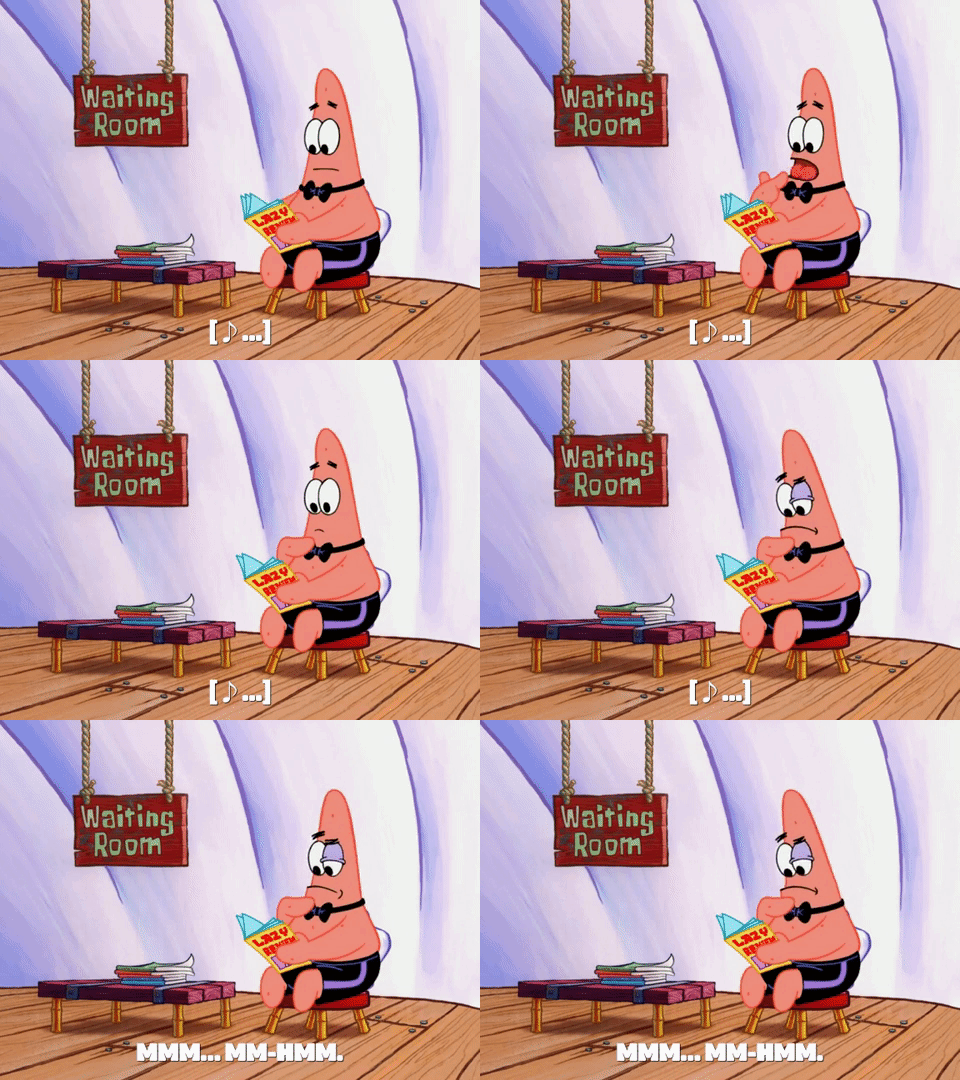
Gif by spongebob on Giphy
Productivity theater
AI makes it incredibly easy to build these waiting rooms. You can outline the process, refine prompts, generate versions, and document decisions you haven’t made. It feels productive because it is busy. It feels safe because it postpones the moment when something might be judged.
That’s productivity theater. Motion without consequence.
Think of many AI workflows like a moving walkway at the airport that never actually reaches the gate. You’re walking. The floor is moving. Everything looks official. And yet, you’re still not boarding the plane.
This feels good for a reason. Finishing something closes doors. Sending the draft means it can be judged. Publishing the idea means it can flop. A workflow lets you say “I’m still working on it” while quietly walking away from the finish line.
AI isn’t causing this. It’s just being polite. If you ask it to help you organize your avoidance, it will do that very well.
Permission to delete
Here’s the permission most people need: you’re allowed to delete the workflow.

Giphy
If it doesn’t move something to completion, it hasn’t earned its place — no matter how clean it looks. Sometimes the most effective system is deciding once and acting immediately.
No dashboard. No ceremony.
Just done.
Final Bot Thought
AI didn’t break your productivity. It just made delay look organized.
Use it to finish, not to feel busy. And if the workflow isn’t helping, you’re allowed to fire it.
Bot Talk: When a voice clocks in
A recent Fannie Mae ad featured an AI-generated version of President Donald Trump’s voice. It wasn’t a spoof. It wasn’t a deepfake. It was approved and on the clock.
According to ABC News, the voice was created with Trump’s permission and used in a national advertisement. No impersonation, no outrage cycle — just a licensed voice doing a shift.
How much did it pay? That part wasn’t disclosed. Which somehow feels very on brand.
This wasn’t about novelty or trickery. It was about convenience.
For voice talent and broadcasters out there, this is the shift: performance fades, permission scales. A voice that once required scheduling, travel and presence now shows up as a file. Press play. Message delivered. No small talk.
AI didn’t blur reality here. It put it on a timesheet.
🚀 Coming up next week…
This week was about why nothing feels finished. Next week is about why you trusted it in the first place.
If AI sounds confident and familiar, that doesn’t mean it’s right — it just means it’s fluent.
Next week, we draw a clean line: If you can’t explain why you trust an AI output, you shouldn’t use it.
Less vibes. More judgment. Same bots. Sharper standards.
Don’t get bot hurt. Get bot even.